
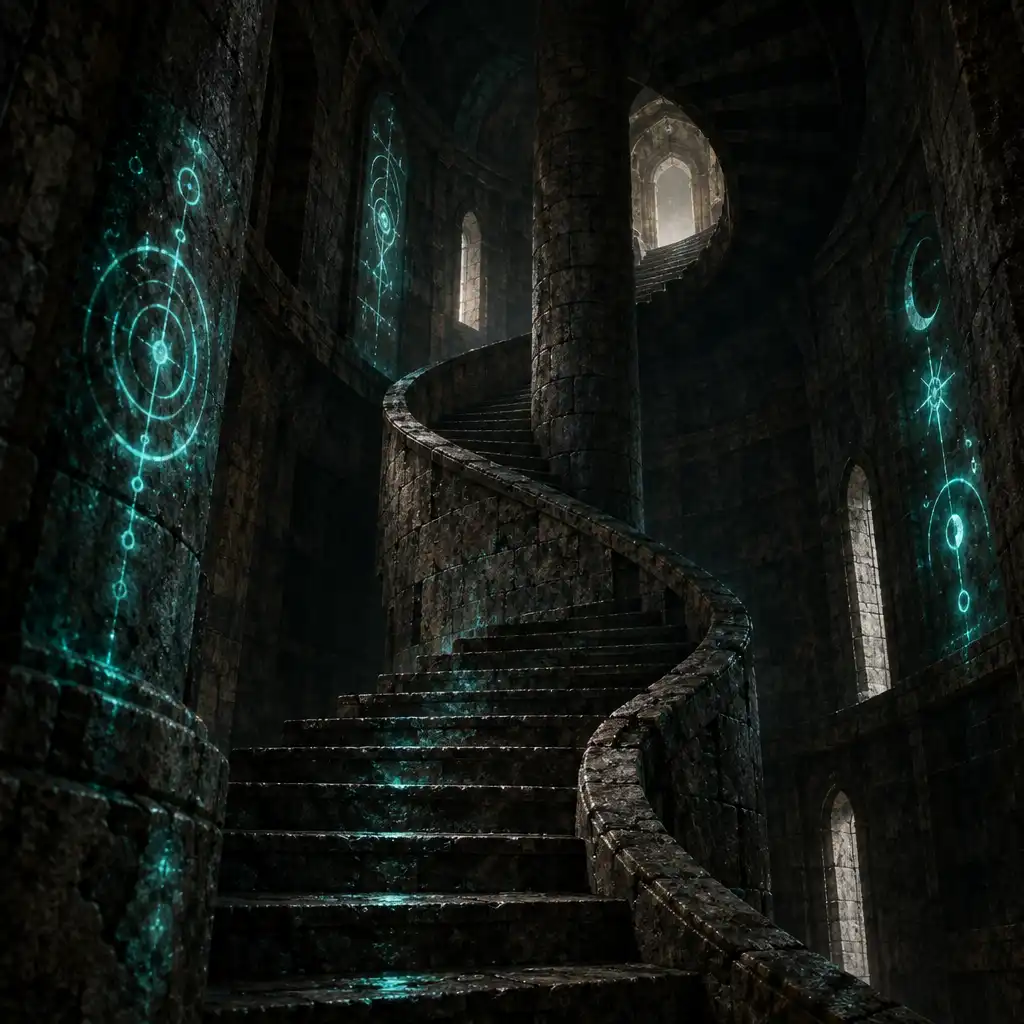
Fire
Applies burning damage over time. Fire is aggressive and pairs well with fast, repeated hits to keep pressure on enemies.
Tower Archive · Field Journal
Master the elements to conquer the Tower. This guide breaks down every verified element, combination, and reaction, with practical advice for your climbs.
Phantom Tower is developed by Horien Studio. GAME FORGE HUB is an independent editorial and player-information resource.
Field Notes · 01
Phantom Tower features a set of distinct elements, each with unique properties and interactions. Elements are the foundational damage types and status effect sources. Each element has a visual identity and associated effects.
Applies burning damage over time. Fire is aggressive and pairs well with fast, repeated hits to keep pressure on enemies.
Slows enemy movement and attack speed. Ice is a control element that helps you manage dangerous packs and create safer openings.
Chains damage between nearby targets. Lightning excels in crowded rooms where its arcs can hit multiple enemies at once.
Inflicts stacking damage over time. Poison rewards patient play and works well against high-health enemies and bosses.
Reduces enemy accuracy and can apply a short-lived vulnerability. Shadow supports defensive and setup-focused builds.
Deals bonus damage to undead and corrupted enemies. Holy is a situational element that shines in specific floor themes.
Field Notes · 02
When two elements are applied to the same target, they may trigger a reaction. The order and timing matter.
Reactions consume the elemental statuses, so you cannot stack the same reaction indefinitely without reapplying both elements. Some combinations are more potent than others, and the best pairing depends on your class, weapon, and the enemies you are facing.
Use the diagram to see which elements connect. Hover over a node to highlight its verified reaction paths.
Field Notes · 03
Each verified reaction is broken down into the elements involved, its effect, best use, and useful situations. Use this reference to plan your loadout before a climb.
| Elements Involved | Effect | Best Use | Useful Situations |
|---|---|---|---|
| Fire + Fire | Applies a stronger burning effect that deals damage over a longer duration. | Single-target sustained damage against high-health enemies. | Boss fights, elite enemies, and long encounters where you can keep reapplying Fire. |
| Elements Involved | Effect | Best Use | Useful Situations |
|---|---|---|---|
| Fire + Ice | Removes the Ice slow and deals a burst of amplified damage to the target. | Burst damage against a single target that has been slowed or controlled. | Finishing off a frozen elite or punishing a boss after a slow window. |
| Elements Involved | Effect | Best Use | Useful Situations |
|---|---|---|---|
| Fire + Lightning | Creates an explosion that damages the target and nearby enemies. | Area damage against tightly packed groups. | Clearing rooms with multiple melee enemies or hitting a boss while adds are nearby. |
| Elements Involved | Effect | Best Use | Useful Situations |
|---|---|---|---|
| Fire + Poison | Consumes the poison stack and deals a large burst of damage based on the stacks consumed. | High burst damage after building up poison stacks on a target. | Boss fights where you can apply multiple poison stacks before triggering the reaction. |
| Elements Involved | Effect | Best Use | Useful Situations |
|---|---|---|---|
| Ice + Lightning | Deals damage and reduces the target's physical defence for a short time. | Setting up a target for a physical damage burst. | Combining with a melee or physical class to maximise follow-up damage. |
| Elements Involved | Effect | Best Use | Useful Situations |
|---|---|---|---|
| Ice + Ice | Freezes the target in place, preventing movement and actions for a short duration. | Hard crowd control against dangerous single targets. | Stopping a charging elite or interrupting a boss ability. |
| Elements Involved | Effect | Best Use | Useful Situations |
|---|---|---|---|
| Poison + Shadow | Increases poison damage and reduces the target's healing received. | Wearing down enemies that heal or regenerate. | Fights against healing enemies or long boss encounters where sustain matters. |
| Elements Involved | Effect | Best Use | Useful Situations |
|---|---|---|---|
| Holy + Shadow | Deals bonus damage to corrupted enemies and removes one beneficial status from the target. | Countering buffed enemies and corrupted floor modifiers. | Floors with corruption themes or enemies that buff themselves. |
| Elements Involved | Effect | Best Use | Useful Situations |
|---|---|---|---|
| Holy + Fire | Creates a radiant burst that damages nearby enemies and briefly blinds them. | Area control and damage against groups of undead or corrupted enemies. | Opening a fight against a pack or creating space when surrounded. |
Field Notes · 04
Learn how to set up reactions, manage cooldowns, and adapt to enemy resistances. Prioritise reactions that match your build, and consider enemy weaknesses and floor modifiers before committing to a strategy.
Certain classes and equipment enhance elemental reactions. A class that applies status effects quickly can trigger more reactions in the same window, while equipment with elemental damage bonuses can amplify the result. Explore our class guides, build guides, and equipment pages for deeper synergy. Avoid overcommitting to one reaction if enemies resist it.
Field Notes · 05
All elemental information is based on official Horien Studio channels and verified player testing. GAME FORGE HUB is independent and not affiliated with Horien Studio. Information may change with game updates; check official patch notes for the latest changes.
Field Notes · 06
Explore our guides on classes, builds, and equipment to deepen your understanding of Phantom Tower mechanics.